
How to apply K means in a mask of an image instead the whole one

Hello.
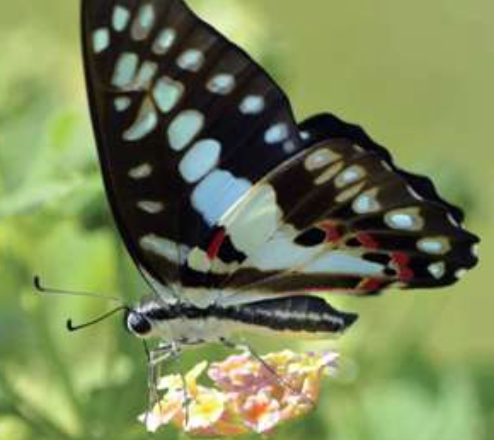
I want to apply a K Means to a region of an image not squared or a rectangle. For example the source image is:
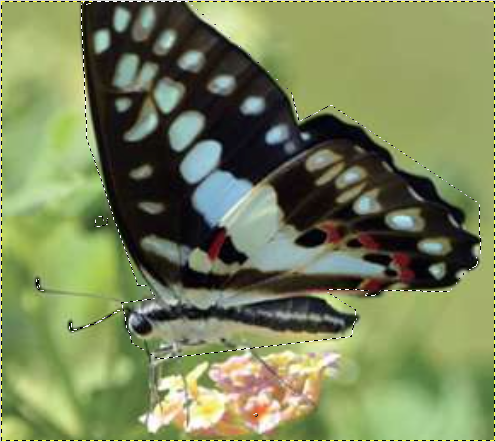
now I select a custom mask:
and apply K Means with k = 3:
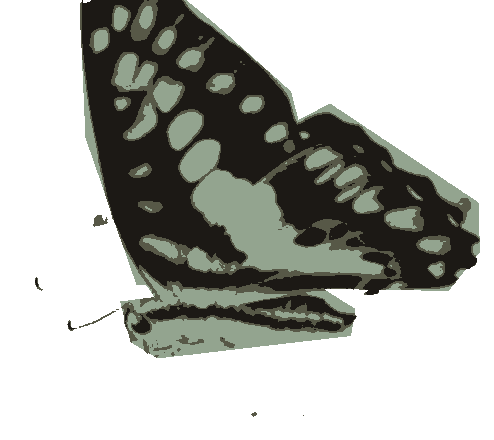
Obviously without considering the bounds (white).
Instead, what I can do with OpenCV is K Means but considering the bounds:
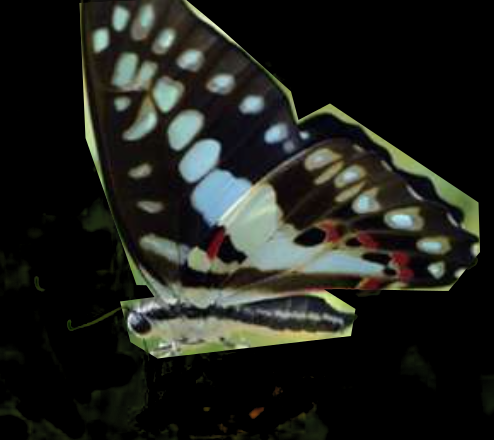
And that messes out my final image because black is considered one colour.
Do you have any clue? Thank you in advance.
add a comment


